How I built this site
My Approach
I take an interative approach to my projects. I'll start with a rough idea of what I want to do, then build on that idea as I go. This approach helps me get something up on screen quicker than just about any other method I've tried which, at least for me, is the best way to fight against my need for perfection. Instead, I can chip away at something and quickly see what's working and what's not.
Design Exploration
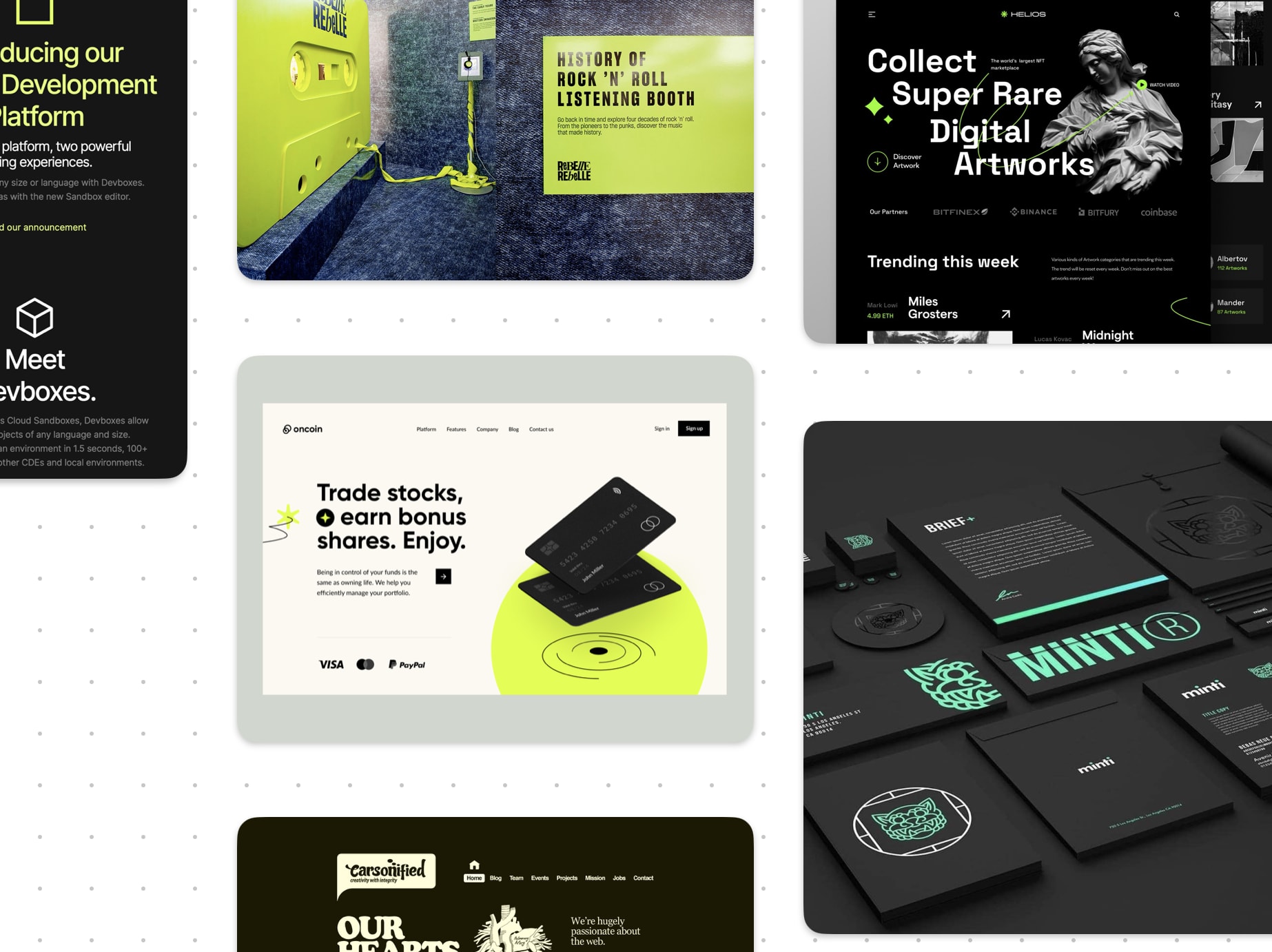
Knowing that I like to get things on screen and iterate, I typically start with a simple design. Usually what I'll do is start a bit of a moodboard in Apple's Freeform. This infinite canvas allows me to throw in images, colors, and type to get a feel for what I want to do. I'll typically arrange things in those three categories, picking and choosing the specific elements I like from the sites I've collected. Once things are broken up into those categories, I can start combining things to see if something jumps out.
Even if nothing feels quite right, I find it important to try to land on something. With this site, I had a completely different color palette and completely different fonts from what you're seeing now. Again, I find it better to have something on screen that I can react to than to have nothing at all.
Jumping Into Code
We're really spoiled for choice when it comes to building out websites these days. You can go as simple or as complex as you'd like and thankfully there are lots of options that allow the level of customization I want. For this site, I decided to start with a boilerplate/starter again so I could get things up and running quickly. I found the Tailwind NextJS Starter Blog and have found it to be fantastic.
I love Tailwind and I love NextJS so it seemed like it was tailored made for me. It has a great set of components to get started and it's not too difficult to piece together what you need to get things running. Because it's built with Tailwind I also found it very easy to customize. And, perhaps most importantly, it's built with MDX so I can go wild creating all sorts of different blog posts I have ideas for.
All that being said, when I get these boilerplate/starter projects, my first step is to flush out all of the stuff I know I won't be using. I'll typically create a graveyard folder in case I decide later I want to bring something back. After that, I'll also wipe out all of the styling and defaults from Tailwind so I'm not tripping over anything later.
Putting It All Together
At this point, it's all about the details. I'll play around with the layout, start to explore adding some icons or illustrations. I've gotten the important decisions out of the way and I now have a project to pick at and refine. For me, that's where the fun is. I typically won't return to my Freeform board or any of my other designs, but instead just do it directly in browser since I find it easier.
Wrap Up
Hopefully that gives a bit of insight into how I like to work. For even more details, head over to the About page where I have everything listed out.